Overview
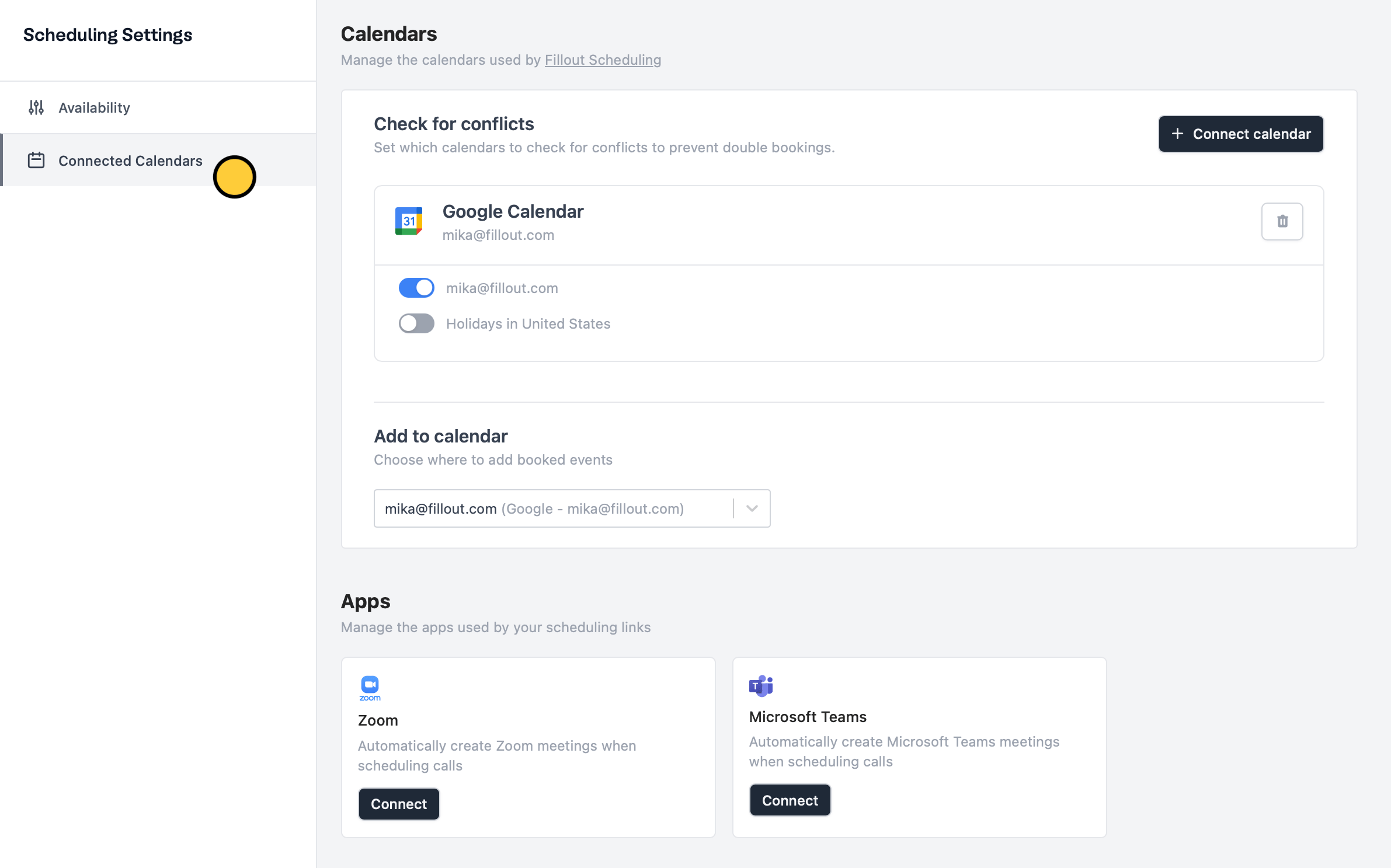
When you connect your Google or Outlook calendar to Fillavo, your default calendar will track conflicts and block existing events to prevent double-booking. New meetings will also be added to your default calendar automatically. You can have Fillavo also watch your other Google Calendars for events to ensure your availability.How to set up
On your dashboard, openScheduling settings from the left-hand panel.
Go to Connected calendars to enable any alternate calendars you want Fillavo to watch for conflicting events.